
Guides
FontHound guides, step by step.
Install FontHound, use it in your editor, hand your fonts to AI, and fix fonts that don't show up.
Get started
Install FontHound and its panel in your editor.
- Install FontHound on WindowsGet your key, run FontHound Setup, tick the panels for your editors, and activate.
- Install FontHound on a MacGet your key, open the .dmg, keep your editors ticked under Customize, and activate.
- Install FontHound in Premiere ProRun Setup, keep the Premiere box ticked, then open Window › Extensions › FontHound.
- Install FontHound in After EffectsRun Setup, keep the After Effects box ticked, then open Window › Extensions › FontHound.
- Install FontHound in DaVinci ResolveTick DaVinci Resolve Studio in Setup, then open Workspace › Workflow Integrations › FontHound.
- Install FontHound in PhotoshopKeep Photoshop ticked in Setup, open the FontHound app once, then choose Plugins › FontHound.
Work in each app
Your title in every font, the Mockup, and the pick onto your timeline.
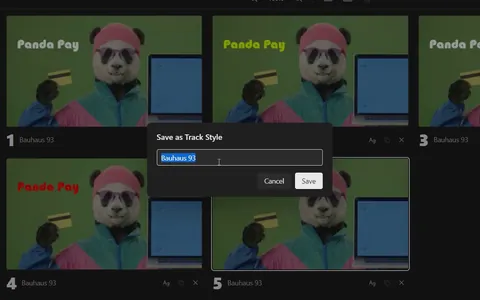 Use FontHound in Premiere ProYour title in every font, five options on your shot, and the pick saved as a Track Style.
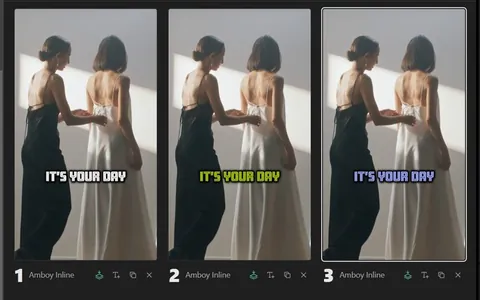 Use FontHound in After EffectsYour text in every font, five options on your shot, and one click to apply the font or the whole look.
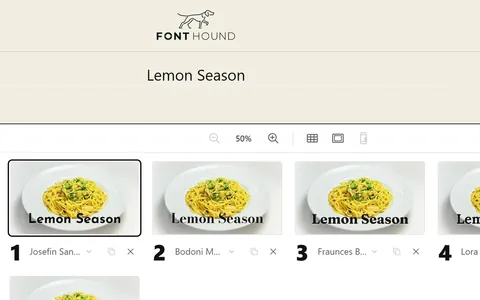 Use FontHound in DaVinci ResolveYour title in every font, five options on your shot, and the pick saved as a Text+ title.
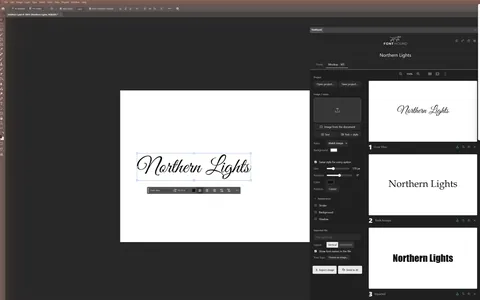 Use FontHound in PhotoshopYour text in every font, five options on your design, and one click to apply the font or the look.
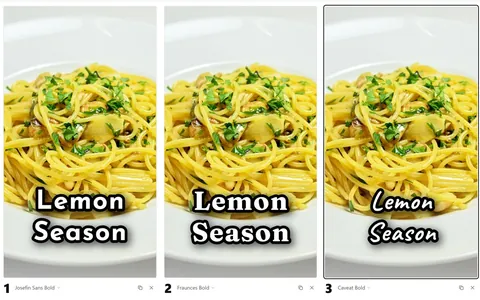 Make a client sheet with the MockupFive options on the client's own shot, styled and numbered, exported as one image.
FontHound and AI
Pick the fonts by eye. Your AI uses exactly those.
- How to get fonts right with ClaudePick by eye in FontHound, and Claude uses exactly those. Or do it by hand in four steps.
- Send your fonts to any AI toolPick by eye, press Send to AI, and paste into any AI tool. It gets the exact fonts and the look.
- FontHound + Claude Code: the full guideInstall Claude Code and the FontHound plugin, then pick by eye while Claude builds. Plus fixes.
- Connect FontHound to Codex, Cursor and VS CodeAdd FontHound's MCP server to your AI agent, and it opens FontHound and uses your pick. Or paste with Send to AI.
Fix font problems
A font that won't show up, and what to check first.
- Fonts not showing in Premiere Pro: every fixA font won't show up in Premiere's font menu? The causes in order, from a restart and per-user installs to Adobe Fonts, Type 1 fonts and missing letters.
- Fonts not showing in After Effects: fix it step by stepA font won't show up in After Effects? Check these in order, from a restart to Adobe Fonts, Type 1 fonts and missing letters.
- Fonts in DaVinci Resolve: preview them, add them, fix the missing onesAdd fonts so Resolve sees them, fix fonts missing from Text+, and compare your title in every font before you build it.
- Use Adobe Fonts outside Adobe apps: Add vs InstallAdd keeps an Adobe font inside Adobe apps. Install lets your other apps use it too. Step by step, plus why installed fonts disappear.
Compare
How FontHound differs from font managers.
Choosing fonts for video
Getting from hundreds of fonts to one, with or without a tool.
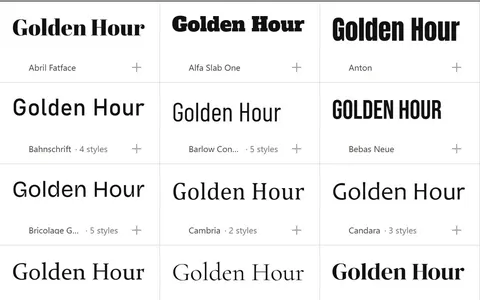 How to preview fonts in Premiere Pro on your own titleCompare fonts on your own title instead of clicking through the menu one font at a time. Plus fixes for missing fonts.
 How to preview every font in After Effects on your own textSee your text in every installed font, filter to the ones that fit, and apply a font or a whole look to the selected layers.
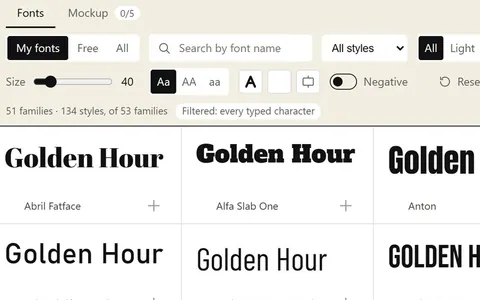 How to use Google Fonts in Premiere Pro and After EffectsInstall Google Fonts so Premiere and After Effects see them: by hand, or in one click on your own title.
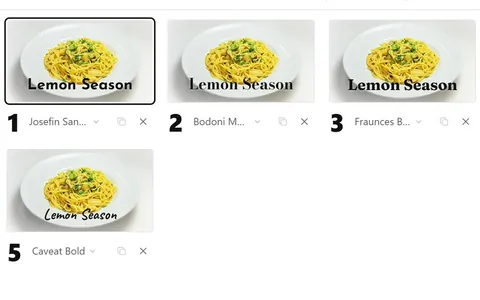 How to show a client font options (and get one clear answer)Present three to five numbered options on the client's own shot, so they answer with a number instead of another round.
Questions about FontHound itself? See the FAQ.
See your title in every font you own.
FontHound is an app for Windows and Mac with panels for Premiere Pro, After Effects, Photoshop and DaVinci Resolve Studio. Free for 7 days, no card. Then $19 a year.